

WHAT IS GOLFING GLORY
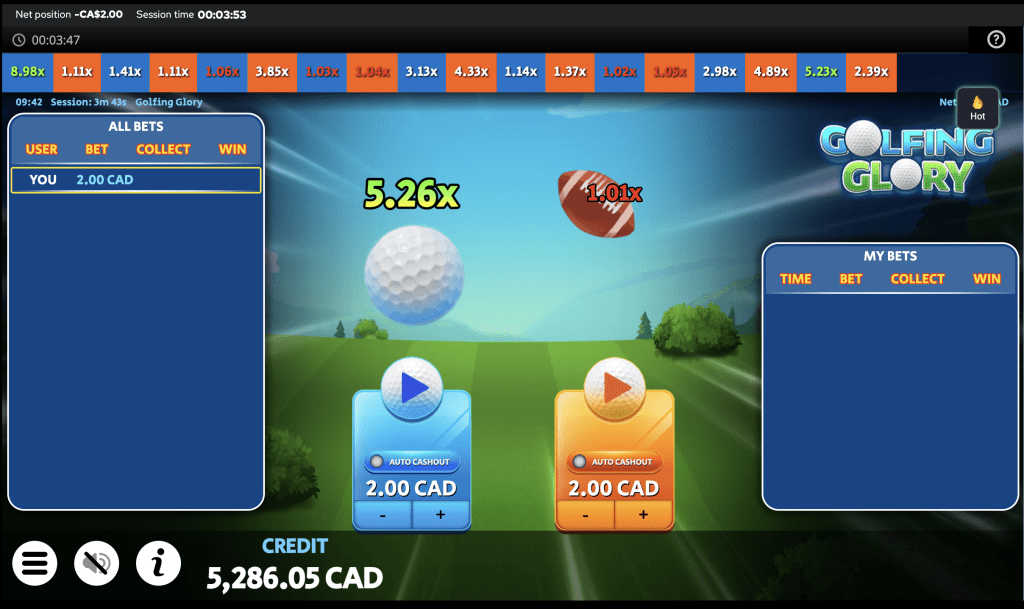
Golfing Glory is the superb Crash game from Indigo Magic where you can bet on two golf courses each round, have fun, and easily cash out to win money.
HOW TO PLAY
Step 1:
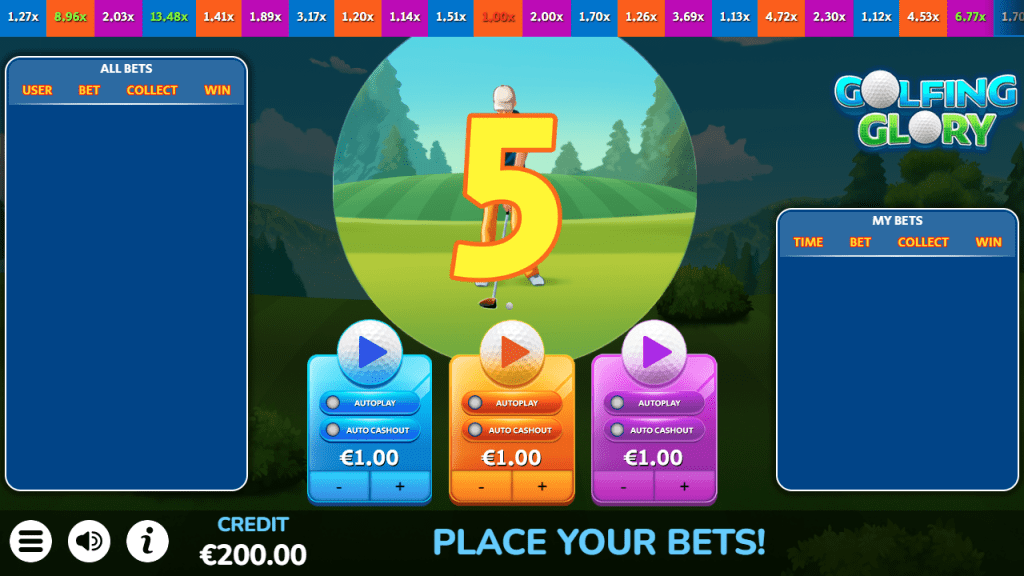
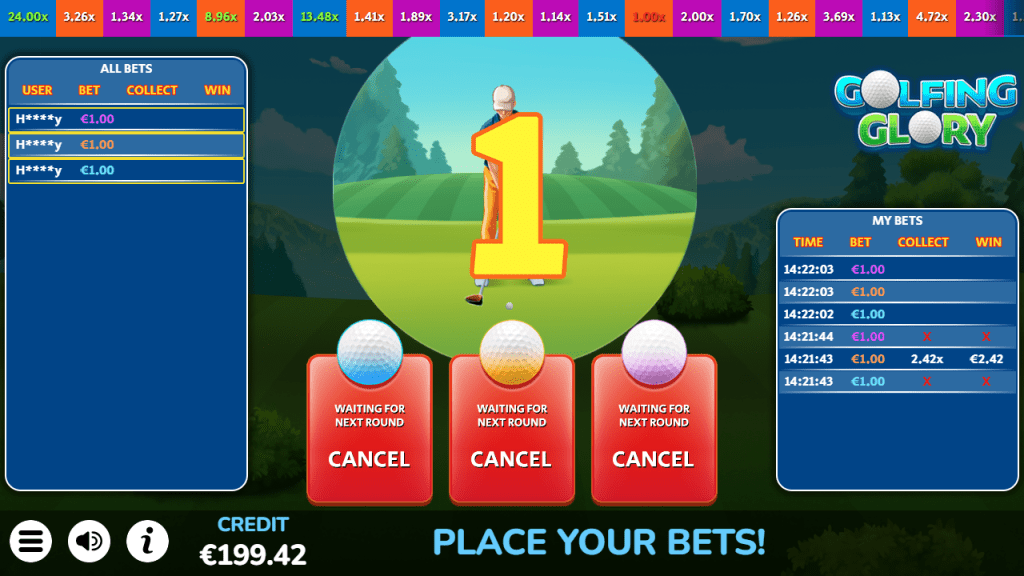
Choose a bet amount and place your bet before the round begins. You can modify or cancel your bet before a new round commences. You have the option to place one or two bets in the same round, one for each golf ball.
Step 2:
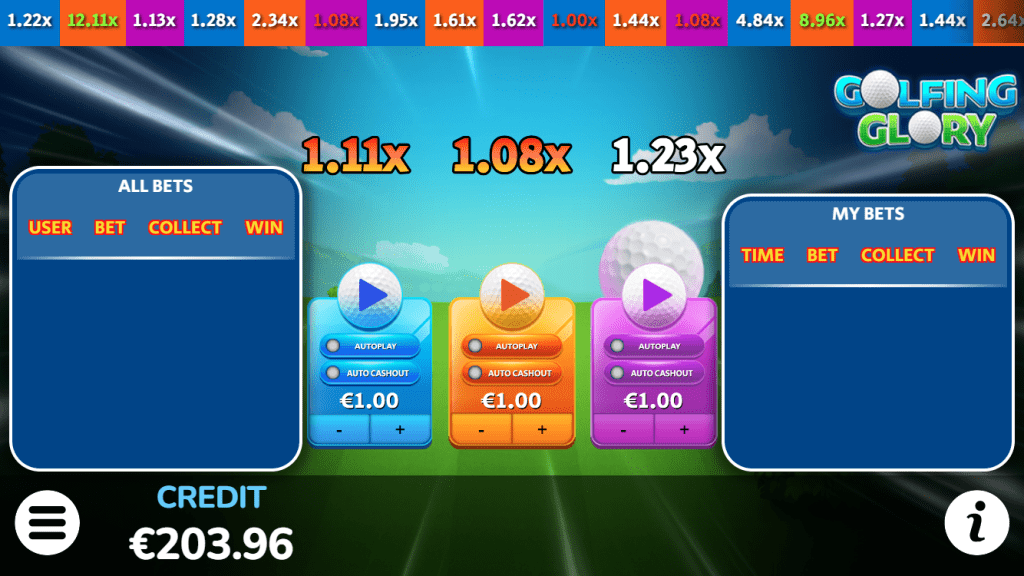
When the betting time ends, the round starts, and the multiplier is displayed, counting up from 1.00x. Then, watch the win multiplier increase rapidly.
Step 3:
The longer the ball flies, the larger the multiplier, increasing your potential winnings. Cash out before the golf ball crashes. When the crash occurs, the game round for that golf ball ends, and the bet amount is lost unless you cashed out beforehand.
GAME RULES
The minimum bet is CA$1.00.
The maximum bet is CA$10.00.
You can select different bet amounts for each ball.
WINS
Cash out before the crash to win the bet amount multiplied by the current multiplier. The winning amount will be displayed on your screen. Once you cash out, the current game is over for you, and you can start placing bets for the upcoming round.
GAME FUNCTIONS
Bet and Cashout
Select the bet amount and press the Golf Ball to place your bet.
You can place up to two simultaneous bets, each for that ball and course, and configure them differently. Once the bet is accepted, you are entered into the next game round and can cash out.
Press the “Cashout” button to request a payout trigger, settled at the current value of the multiplier at the time processed by the game server, provided no crash has occurred. The win is determined by multiplying your bet by the multiplier on the server at the time of processing.
The bet is lost, if it was not cashed out before the ball disappears.
STATISTICS
History:
History: This panel displays the Crash multiplier values from the most recent game rounds both golf balls. Each coloured tile represents the colour of the golf balls (Blue and Orange).
The number is the crash multiplier. Multiplier values from 5x are displayed in green text.
My Bets:
This tab on the panel displays all your betting and cashout information.
TIME: The time when the bet was placed.
BET: your bet in currency.
WIN: Your winnings will be displayed here. If the bet was lost, a red ‘X’ will be shown instead.
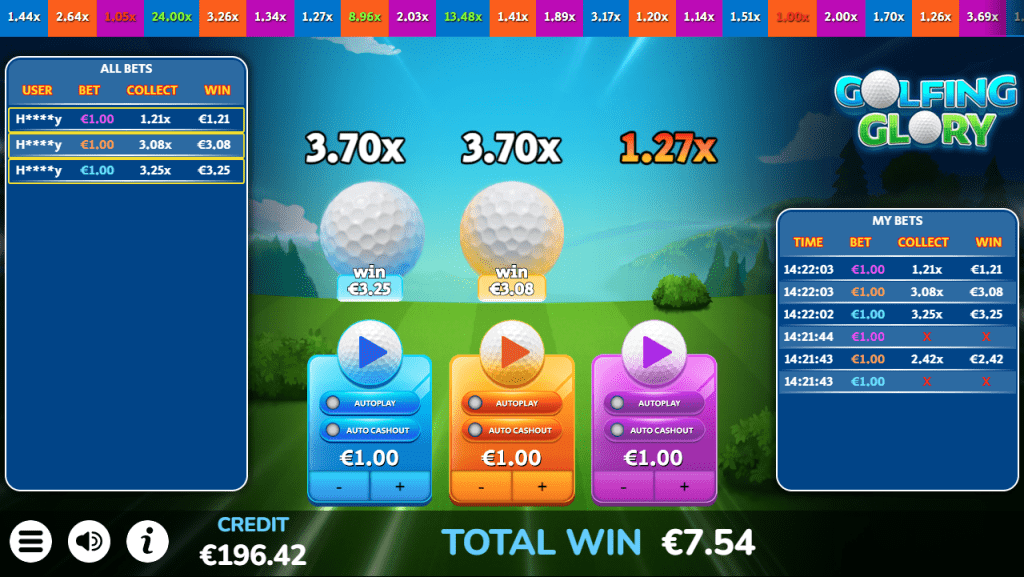
All Bets:
This tab on the panel displays statistics. Here, you can view the largest round cashouts, multipliers, and total bet amounts.
USER: Randomly generated user names.
BET: Their Bet.
COLLECT: the multiplier when the player cashed out
WIN: winnings displayed.
Free Bets:
Free Bets are awarded by the operator.
Game menu
Game menu contains options and settings that control some of the game features:
- History – Displays previous rounds from the current session
- Close Game – Closes the game client
- Sound – Controls the Sound FXs in the game (on/off)
- Music – Controls the Music in the game (on/off)
Malfunction
Malfunction of the game voids all pays. In case the game round is interrupted, the disconnection policy will be applied.
CUMULATIVE WIN LIMIT
The cumulative win limit is 10000.00x multiplied by the total bet in base game, bonus features and buy bonus (where available).
If the win limit is reached, the round immediately ends, the current win total is awarded, and all remaining features are forfeited.
User interface
Open menu
Display/Hide game rules
Turn the music/sound submenu
Disconnection or errors
If you get disconnected in any way while your bet is active, the game will automatically cash out based on the multiplier at the time of disconnect. When you reconnect, the cashout amount will be added to your balance.
If you get disconnected BEFORE your bets are placed, they will be canceled. However, if you get disconnected AFTER your bets are placed and the active multiplier is not greater than 1x, your bets will be automatically refunded as a win of 1x when you reconnect. You can check all the bet outcomes in the History panel at the top of the screen.
Each game round is identified by a unique Game name. Please use the game name for reference.