

WHAT IS “CROSS IT!”?
Cross it! is the superb instant game from Indigo Magic where your task is to guide one of the animals across a highway with chaotic traffic and big bet multipliers. Each step is a gamble and you have to choose between keep crossing or cash out.
Basic Rules
The minimum bet is $0.50.
The maximum bet is $7.50.
You can select the bet amount and game difficulty only before starting a new round.
If the player successfully crosses a lane 8 times in a row, a streak counter appears showing the player’s current streak. This doesn’t affect the gameplay and is purely cosmetic.
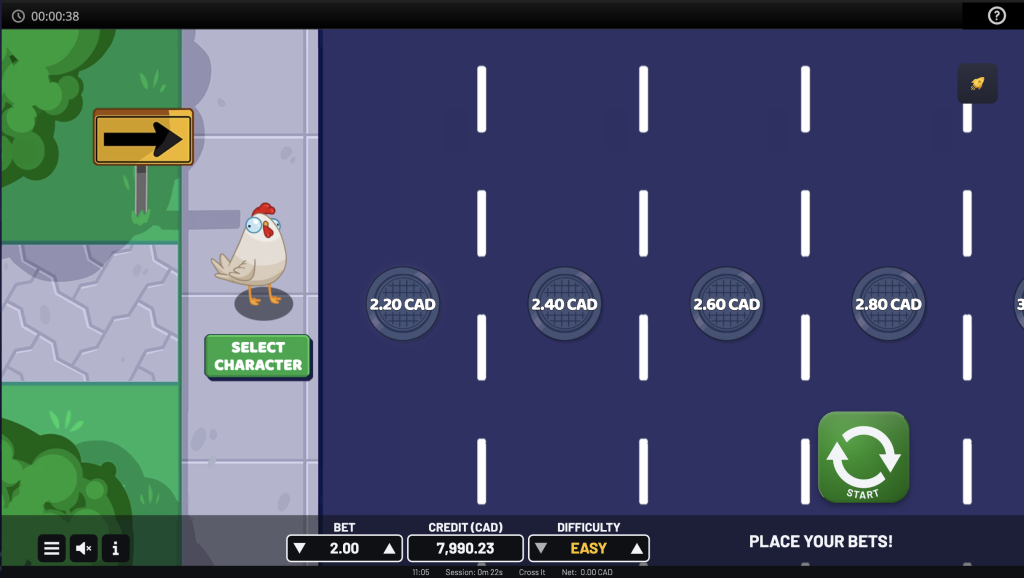
HOW TO PLAY
Step 1:
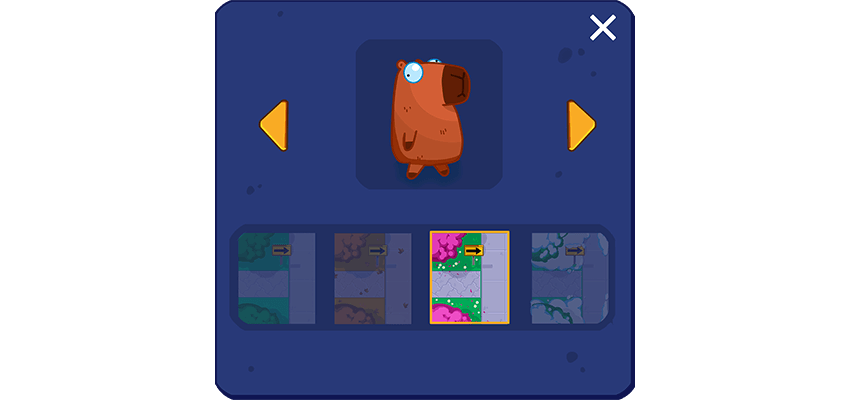
Select your favourite character to help them cross the highway and win big multipliers. You can also select your favourite season for a personalised adventure.
Step 2:
Select a bet amount and difficulty. You can modify the bet or difficulty only before starting a new game round.
There are four difficulty levels:
Easy: lower traffic and risk, with smaller multipliers.
Medium: a good balance between risk and multipliers prizes.
Hard: busy traffic with more risk and bigger multipliers.
Crazy: crazy traffic with crazy multipliers.
Step 3:
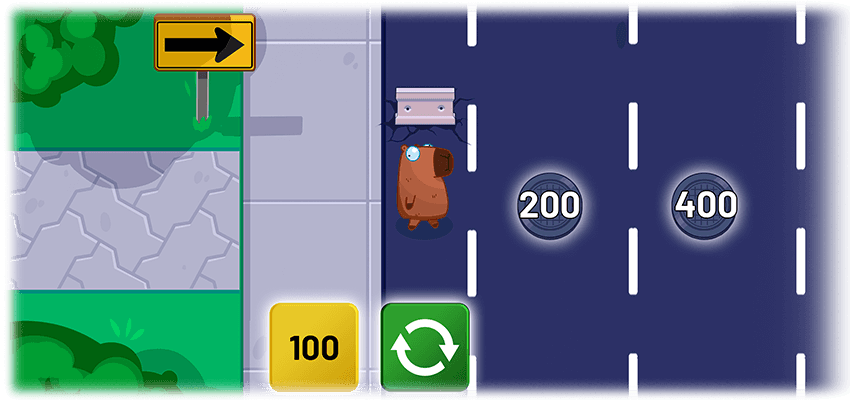
Press start/next or the next lane’s manhole to advance to the next position in the highway.
If the character is not run over, decide to cash out the current wins or continue advancing for bigger prizes.
Step 4:
The game round ends when the character is run over, with no wins;

or when the player cashes out the current wins or the character makes it safely to the end of the highway.
WINS
Getting to the end of the road safely will automatically cash out the latest shown amount.
There are 24 lanes for any of the difficulty levels.
After cashing out, the current round ends and the character is placed at the beginning of the highway.
The available payouts for each difficulty level are (x bet):
Easy: 1.1x, 1.2x, 1.3x, 1.4x, 1.5x, 1.6x, 1.7x, 1.8x, 1.9x, 2.0x, 2.1x, 2.2x, 2.3x, 2.4x, 2.5x, 3.0x, 3.5x, 4.0x, 5.0x, 6.0x, 8.0x, 10.0x, 12.0x, 24.0x
Medium: 1.2x, 1.4x, 1.6x, 1.8x, 2.0x, 2.2x, 2.4x, 2.7x, 3.5x, 5.0x, 7.0x, 9.0x, 11.0x, 14.0x, 19.0x, 27.0x, 40.0x, 64.0x, 111.0x, 223.0x, 555.0x, 2231.0x, 2454.0x, 2500.0x
Hard: 1.3x, 1.5x, 1.7x, 1.9x, 2.3x, 3.0x, 4.0x, 10.0x, 15.0x, 20.0x, 27.0x, 40.0x, 64.0x, 111.0x, 223.0x, 555.0x, 2231.0x, 2454.0x, 2500.0x, 2800.0x, 3200.0x, 3800.0x, 4500.0x, 5000.0x
Crazy: 1.6x, 1.8x, 2.2x, 3.5x, 5.0x, 20.0x, 50.0x, 100.0x, 395.0x, 555.0x, 1055.0x, 2231.0x, 2454.0x, 2500.0x, 2800.0x, 3200.0x, 3800.0x, 4500.0x, 5000.0x, 5800.0x, 6600.0x, 7500.0x, 8500.0x, 10000.0x
Player interaction or timing has no effect on the game outcome.
Quick start
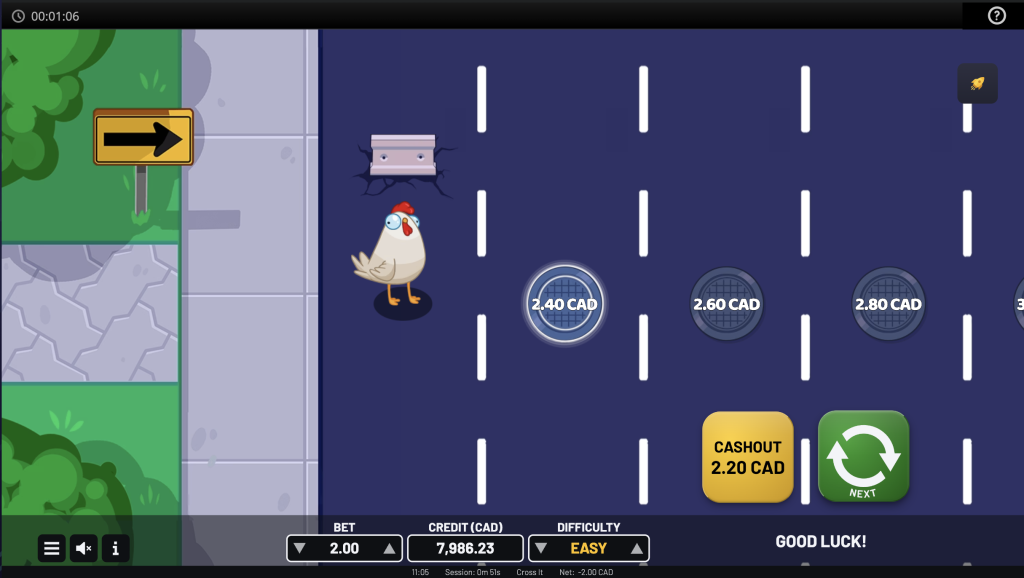
Game starts by setting a selected Bet amount and Difficulty and by pressing the Start button.
Round ends when the character is run over with no wins; or after the win presentation if there are wins.
Game menu
Game menu contains options and settings that control some of the game features:
- History – Displays previous rounds from the current session
- Close Game – Closes the game client
- Sound – Controls the Sound FXs in the game (on/off)
- Music – Controls the Music in the game (on/off)
Game is paused while the menu is visible and can be closed by pressing the Close button or anywhere on the screen.
BET AND DIFFICULTY SELECTION
Game starts with a default Bet amount and Difficulty set for the game.
Player can change the Bet amount by either:
Using Up and Down arrow buttons next to the Bet Amount
Pressing the Bet amount where Bet Amount selector will open up
Player can change the Difficulty by either:
Using Up and Down arrow buttons next to the Difficulty level
Pressing the Difficulty level where Difficulty selector will open up
Bet amount and Difficulty cannot be changed during a game round.
Malfunction
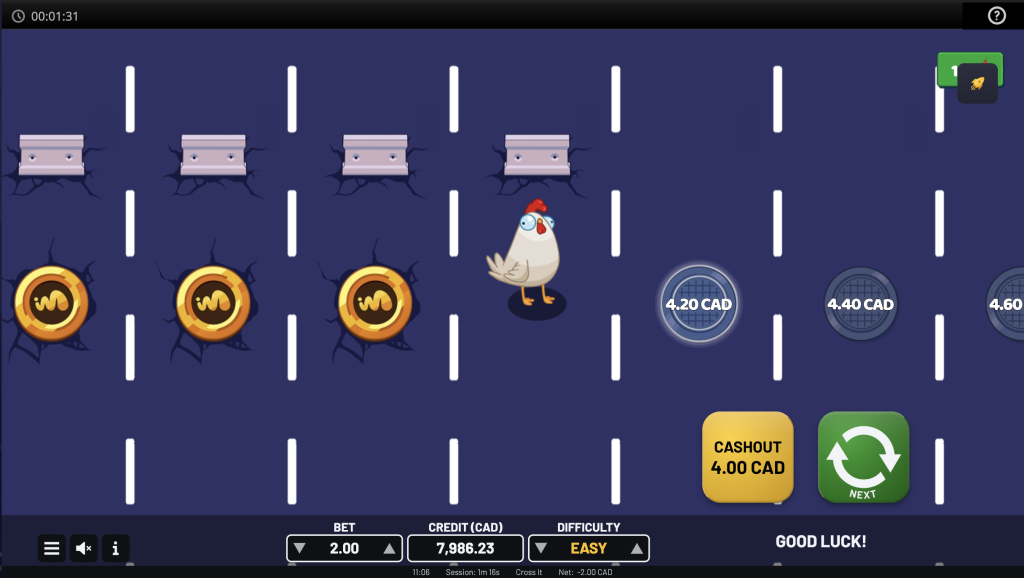
A malfunction of the game voids all pays. In case the game round is interrupted, it can be restored by simply starting the game again. If it is not restored, the round is voided within the jurisdictional requirements or operator’s policy and their terms and conditions.
User interface
 Start a game round. You can also use a space bar (desktop only)
 Change the bet amount and the difficulty for the round to be played.
 Open menu
 Display/Hide game rules
 Turn the music/sound submenu